


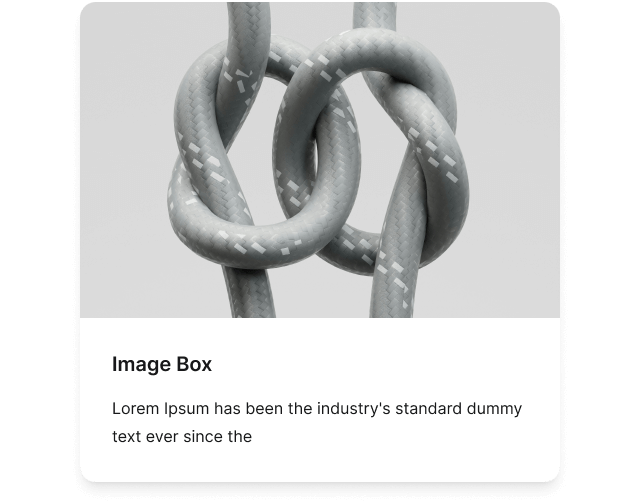
Image Box
Combine an image with a title and description in a single, flexible content box.
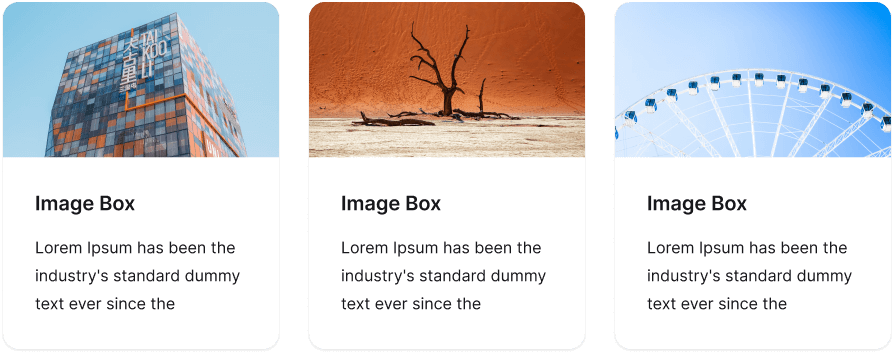
Image
Add an image to the box and customize it with options including link, hover effects, aspect ratio, size, shape, border, and box shadow.
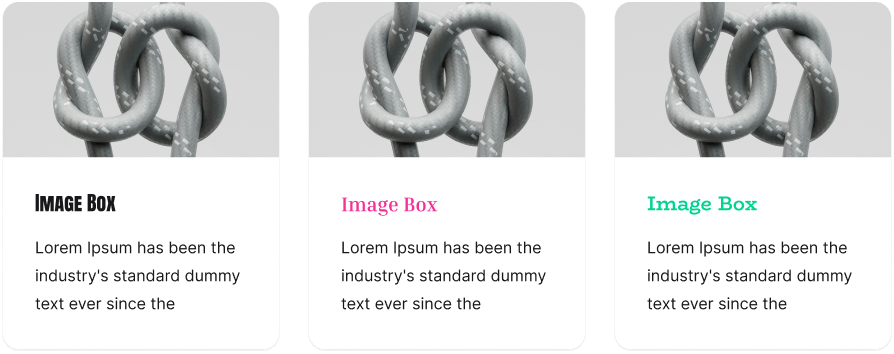
Title
Add a title to the image box, choose a heading tag, and customize it with typography and text shadow settings.
Description
Add a description to the image box and customize it with typography and text shadow settings.
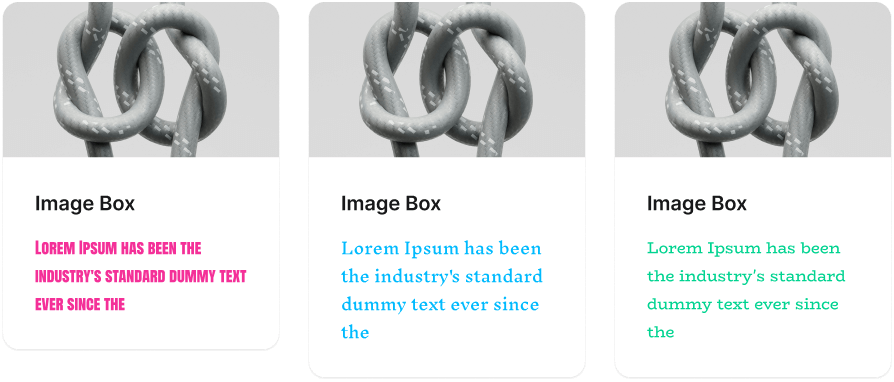
Link
Add a link to the image box to redirect users to another page.
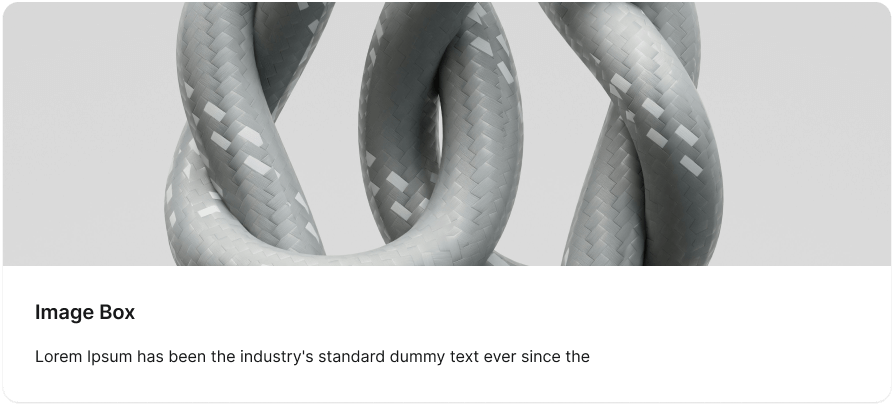
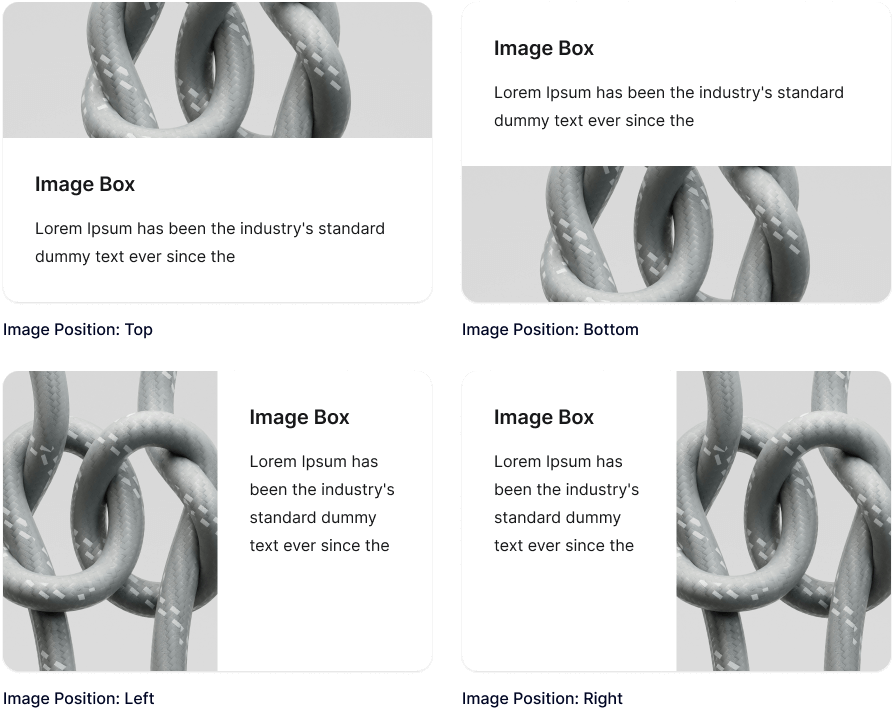
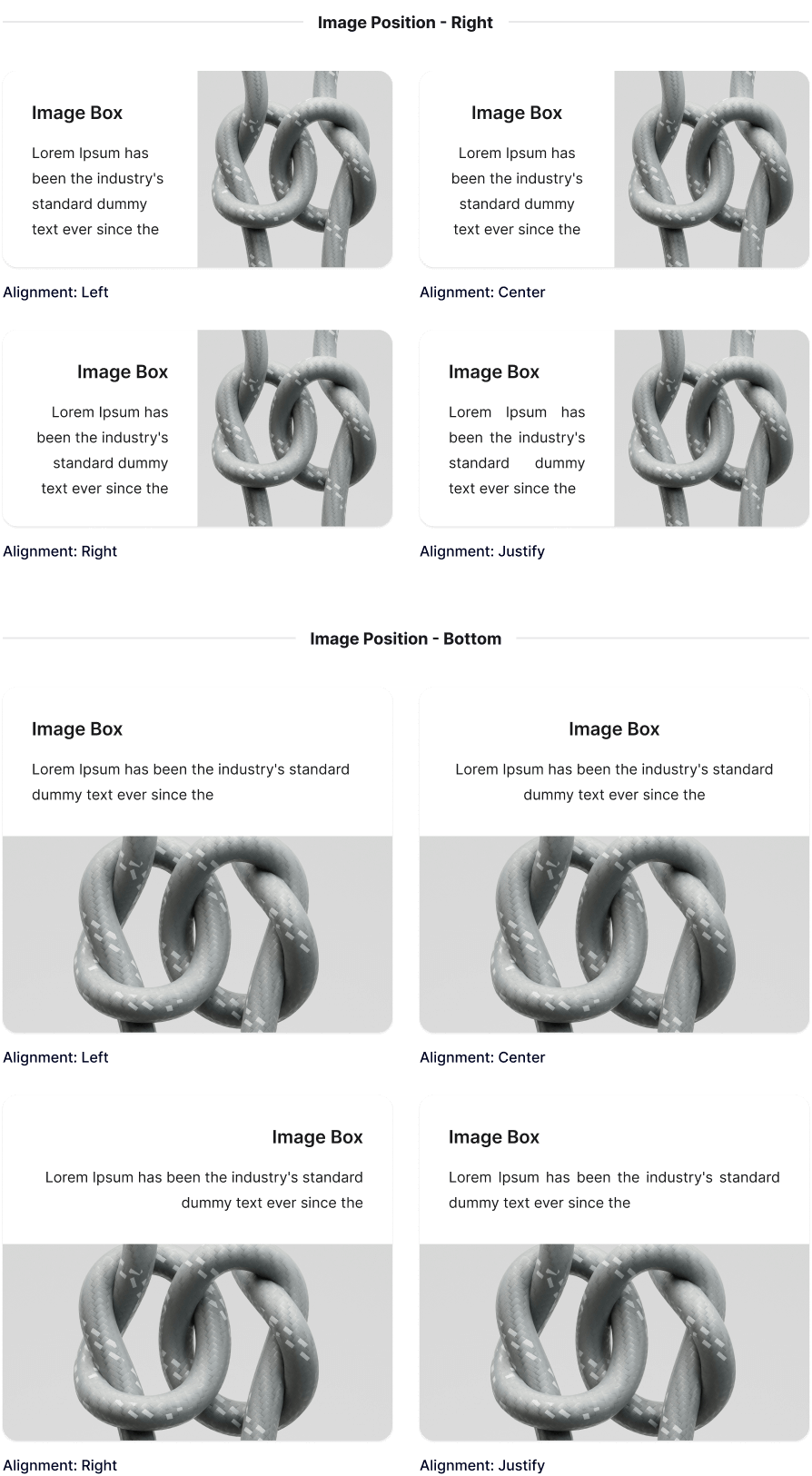
Image Position
Place the image on the left, right, top, or bottom of the text.
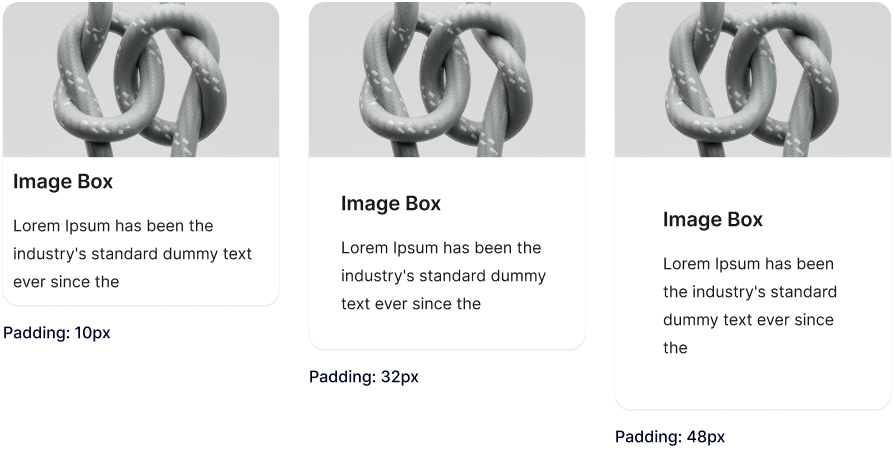
Content Padding
Control the distance between the text and its container border.
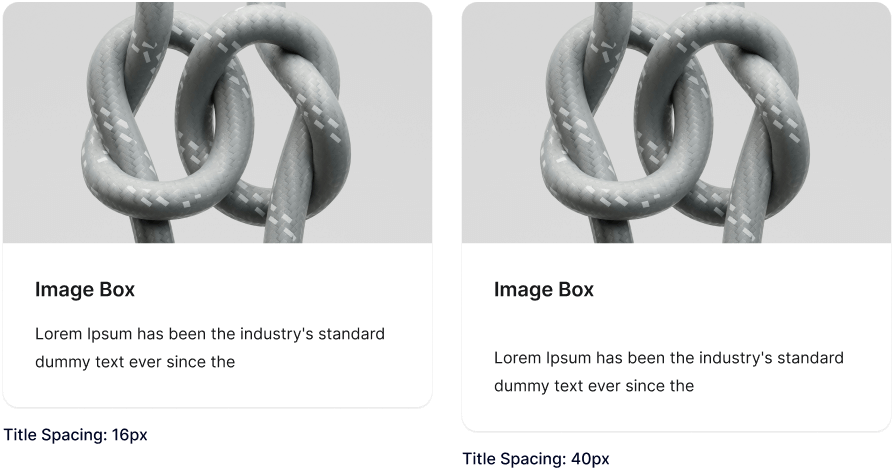
Title & Description Spacing
Adjust the space between the title and description.
Alignment
Set the horizontal alignment of the image box content. When the image is placed on the left or right, this applies to the text only.
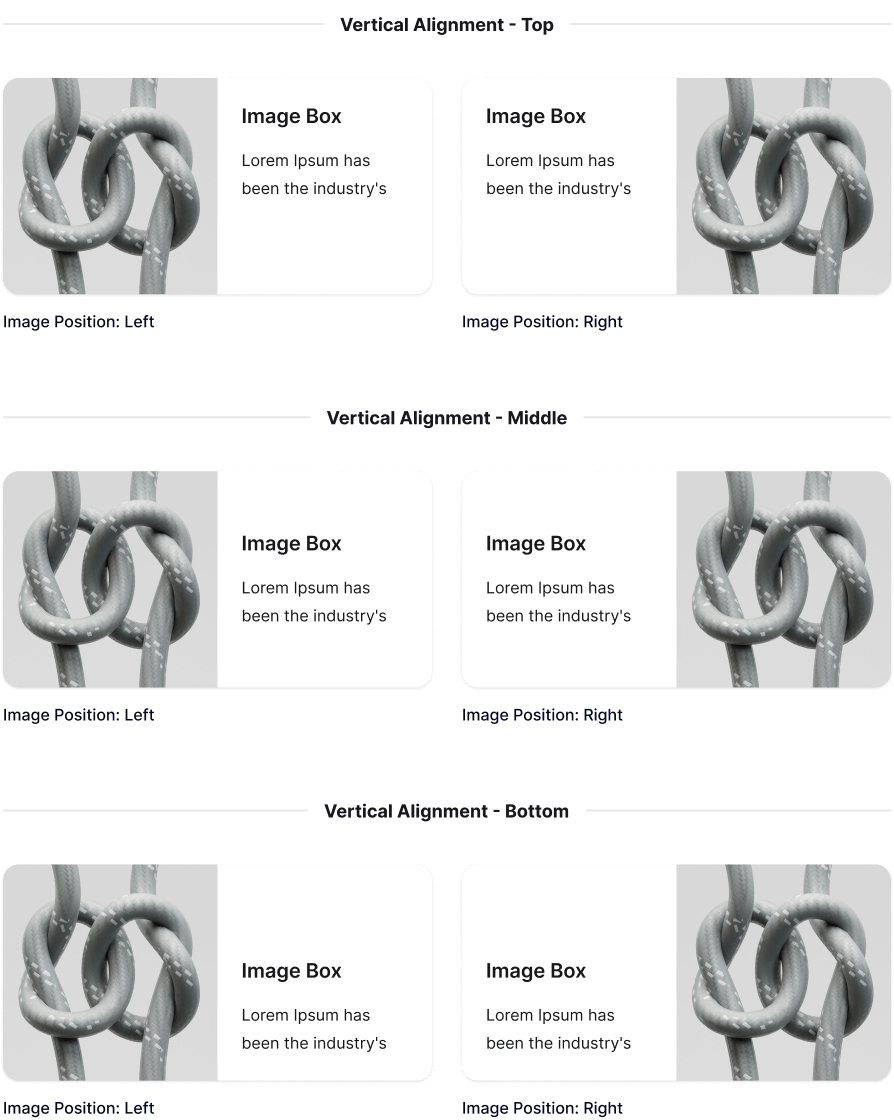
Vertical Alignment
Set the vertical alignment of the image box content when the image is placed on the left or right of the text.
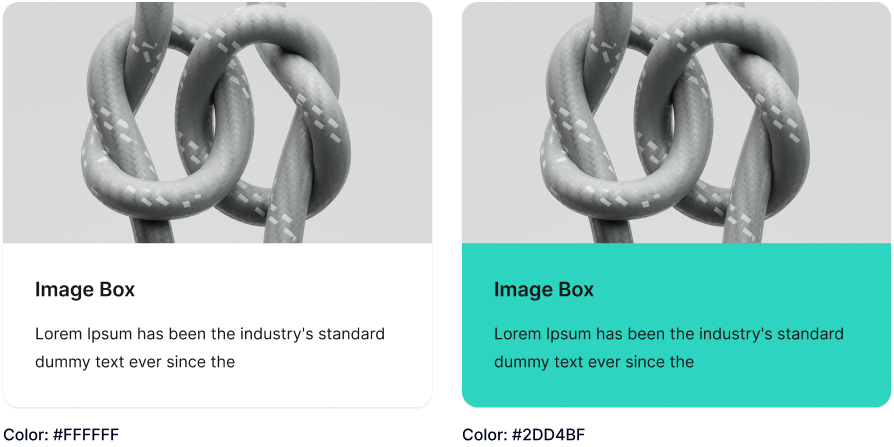
Background
Customize the image box background with a color or image.
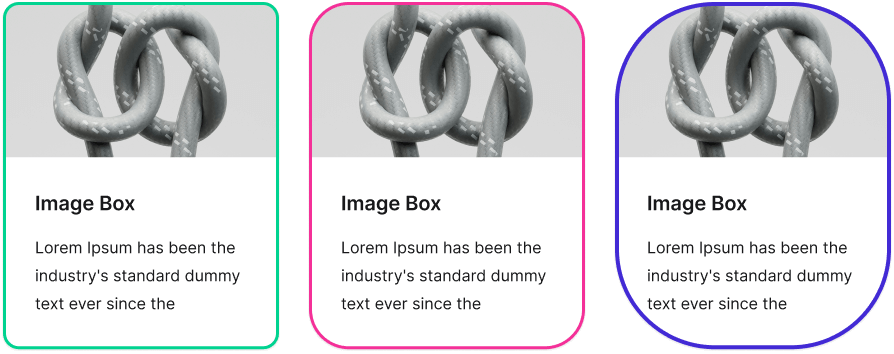
Border
Customize the box border with style, thickness, color, and radius options.
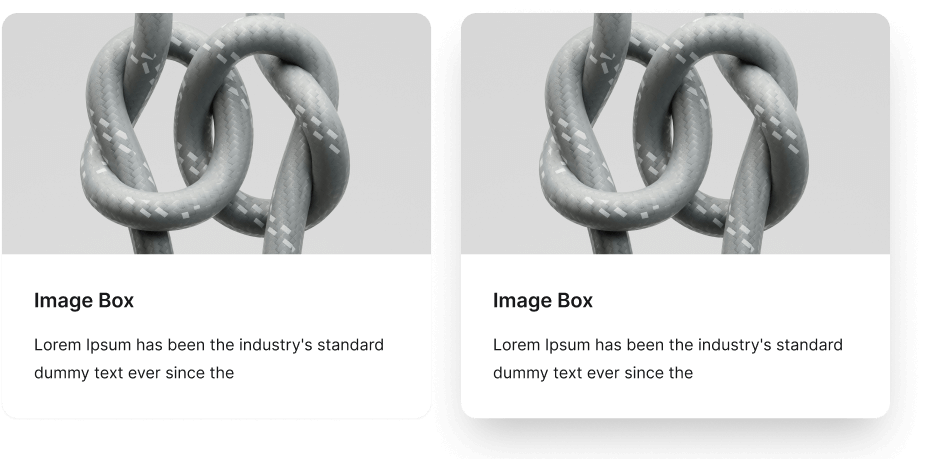
Box Shadow
Apply a shadow to the box and fine-tune its offsets, blur, spread, color, and inner or outer position.
Explore More Blocks


Build Stunning Content With Page Builder
30-day money back. Free lifetime updates