



Icon
Add icons to improve clarity and visual hierarchy across your layout.
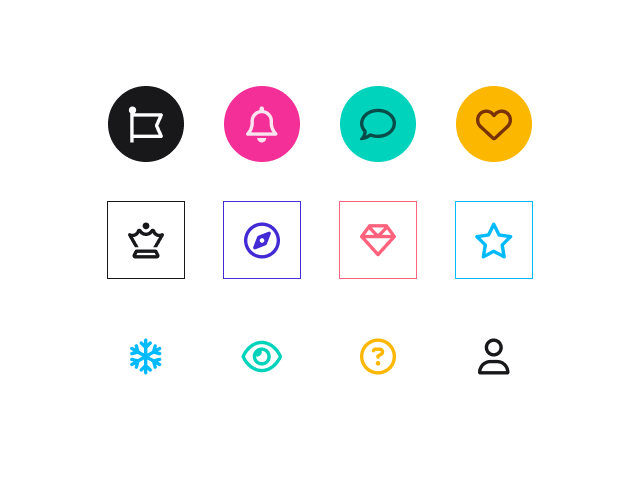
Icon Libraries
Support two icon libraries: Font Awesome (Free & Pro) and Open Iconic. Font Awesome Pro icons require a valid Pro license installed on your website.

Spinning
Add a spinning effect to icons to draw attention.

Alignment
Control icon alignment: left, center, or right.
Alignment: Left
Alignment: Center
Alignment: Right
Link
Add a link to the icon to direct users to another page.
Style
Support three icon styles: Default (icon only), Fill (icon with background), and Outline (icon with background and border).
Style: Default
Style: Fill
Style: Outline
Shape
Support three shapes for Fill and Outline icons: Circle, Rounded, and Square.
Shape: Circle
Shape: Square
Shape: Rounded
Color
Customize the icon color. For Fill and Outline styles, also set the border and background colors.
Size
Choose from 12 predefined icon sizes or set a custom size.

Padding
Set the spacing between the icon and the surrounding shape’s border for Fill and Outline styles.

Border Style
Support 10 border styles for Outline icons.

Border Width
Set the border thickness of the shape surrounding an Outline icon.
Border Width: 3px
Border Width: px
Border Radius
Set the corner radius of the shape surrounding Fill and Outline icons.
Border Radius: 5px
Border Radius: 30px
Border Radius: 1000px
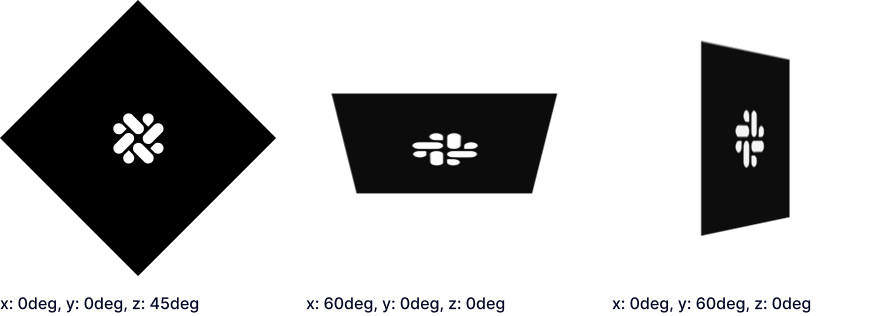
Rotate
Rotate icons along the X, Y, and Z axes.
Explore More Blocks
Build Stunning Content With Page Builder
30-day money back. Free lifetime updates