

Button

Design eye-catching buttons to drive clicks and user actions.
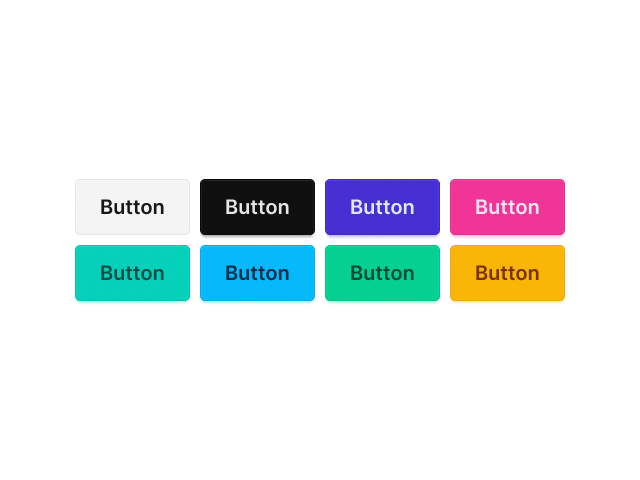
Button block

Button Text

Add button text and customize its typography, including font family, weight, size, color, styles, line height, word spacing, letter spacing, and text shadow.

 Button Icon

Add an icon to display in the button and customize it with options like color, size, border, background, and rotation.

Icon Position

Place the icon above, below, to the left, or to the right of the text.

Button icon position

Icon Spacing

Control the spacing between the icon and text.

Button icon spacing

 Button Type

Support 4 pre-built button types: Default, Info, Success, Warning, Error

Button type

Button Style

Support 4 pre-built button styles: Default, Outline, Ghost, Link

Button style

Button Size

Support 4 pre-built button sizes: Xsmall, Small, Medium, Large

Button size

Button Shape

Support 2 pre-built button shapes: Square, Circle

Full Width 

Make the button span the full width of its container.

Alignment

Align the button to the left, center, or right.

Background

Set the button background using a color or an image.
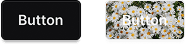
Button background

Border

Customize the button border by setting its style, color, thickness, and radius.

Explore More Blocks

Build Stunning Content With Page Builder

30-day money back. Free lifetime updates