


Countdown
Add a countdown timer to create urgency and highlight time-sensitive events or offers.
Due Date
Set the target date and time. The countdown automatically displays days, hours, minutes, and seconds remaining.
Layout
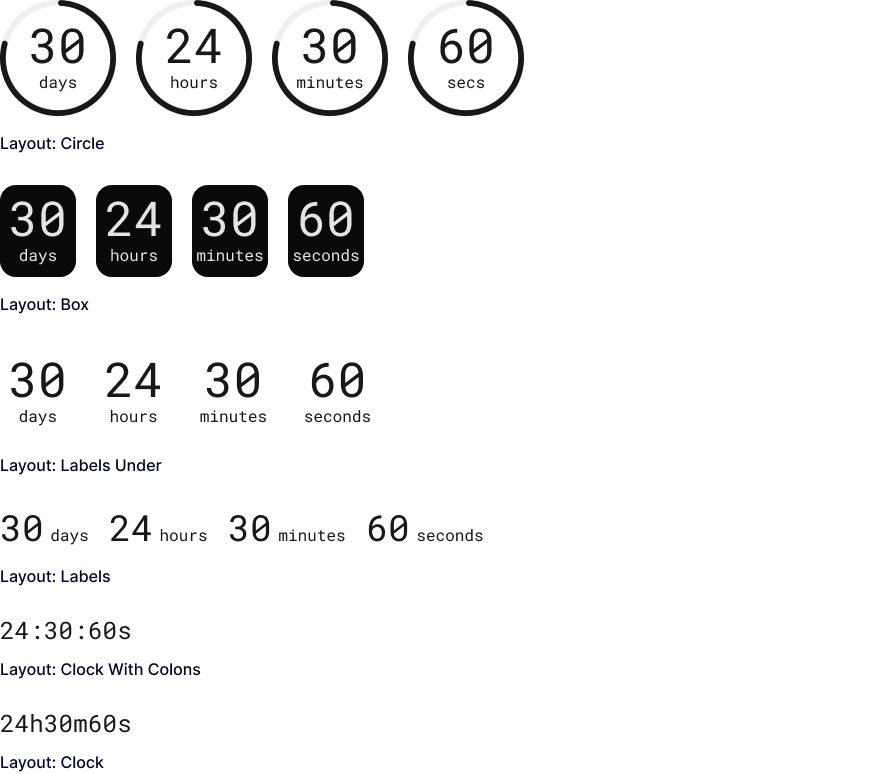
Support 6 countdown layouts: Circle, Box, Labels Under, Labels, Clock with Colons, and Clock.
Separator
Set a custom separator between countdown blocks and customize its color and size.
Alignment
Align the countdown left, center, or right.
Alignment: Left
Alignment: Center
Alignment: Right
Time Indicator Gap
Adjust spacing between countdown time indicators (Days, Hours, Minutes, and Seconds).
Gap: 20px
Gap: 40px
Time Indicator Visibility
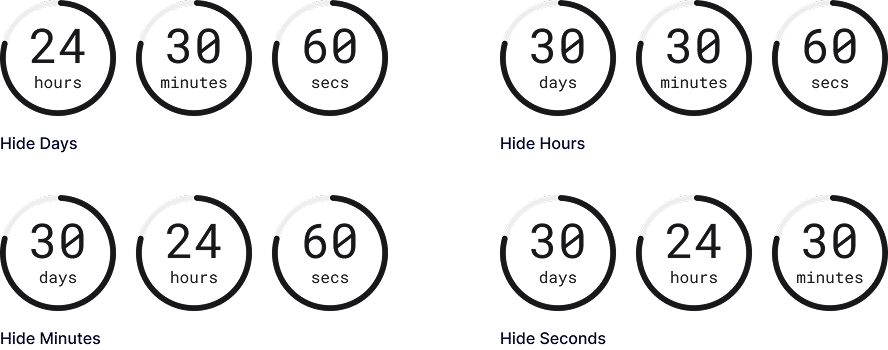
Show or hide Days, Hours, Minutes, and Seconds to display only the countdown units you need.
Label & Digit Spacing
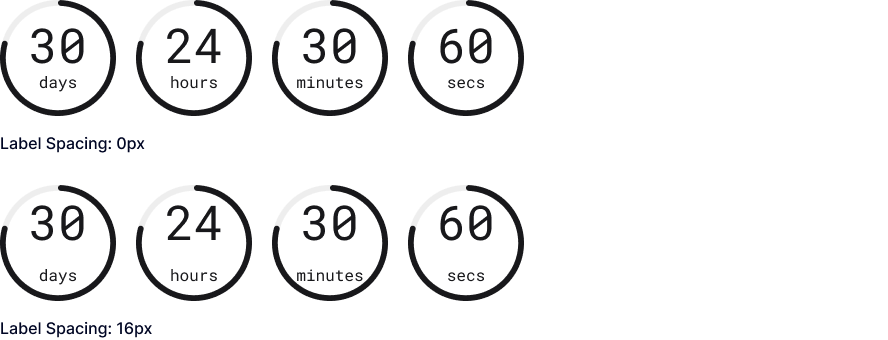
Adjust the spacing between the label and the digit.
Label Visibility
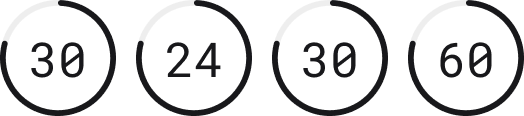
Show or hide time labels in the countdown.
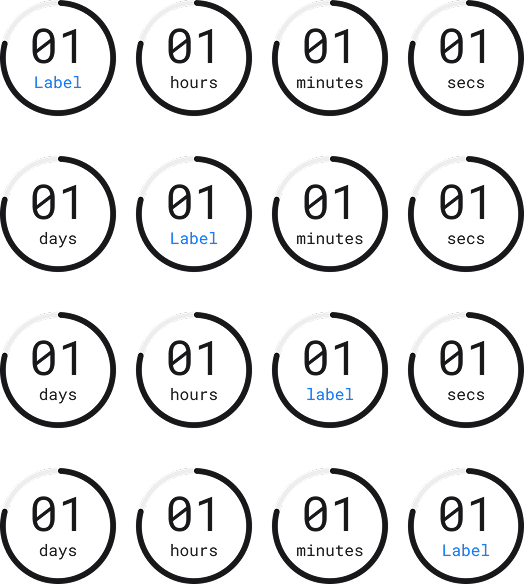
Custom Labels
Customize labels for Days, Hours, Minutes, and Seconds.
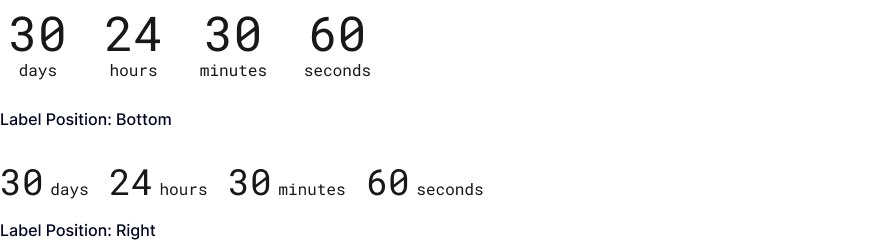
Label Position
Place the countdown labels below or to the right of the numbers.
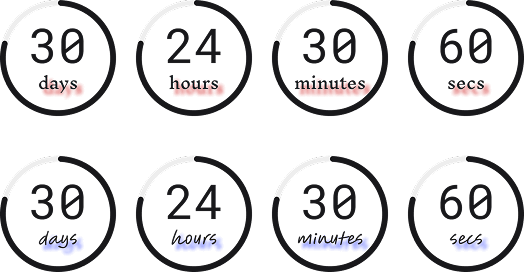
Label Text Styling
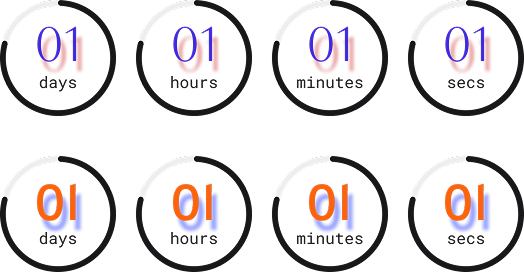
Customize countdown labels with full text styling controls, including font family, weight, size, color, styles, line height, letter & word spacing, and text shadow.
Digit Text Styling
Customize countdown digits with full text styling controls, including font family, weight, size, color, styles, line height, letter & word spacing, and text shadow.
Time Box Styling
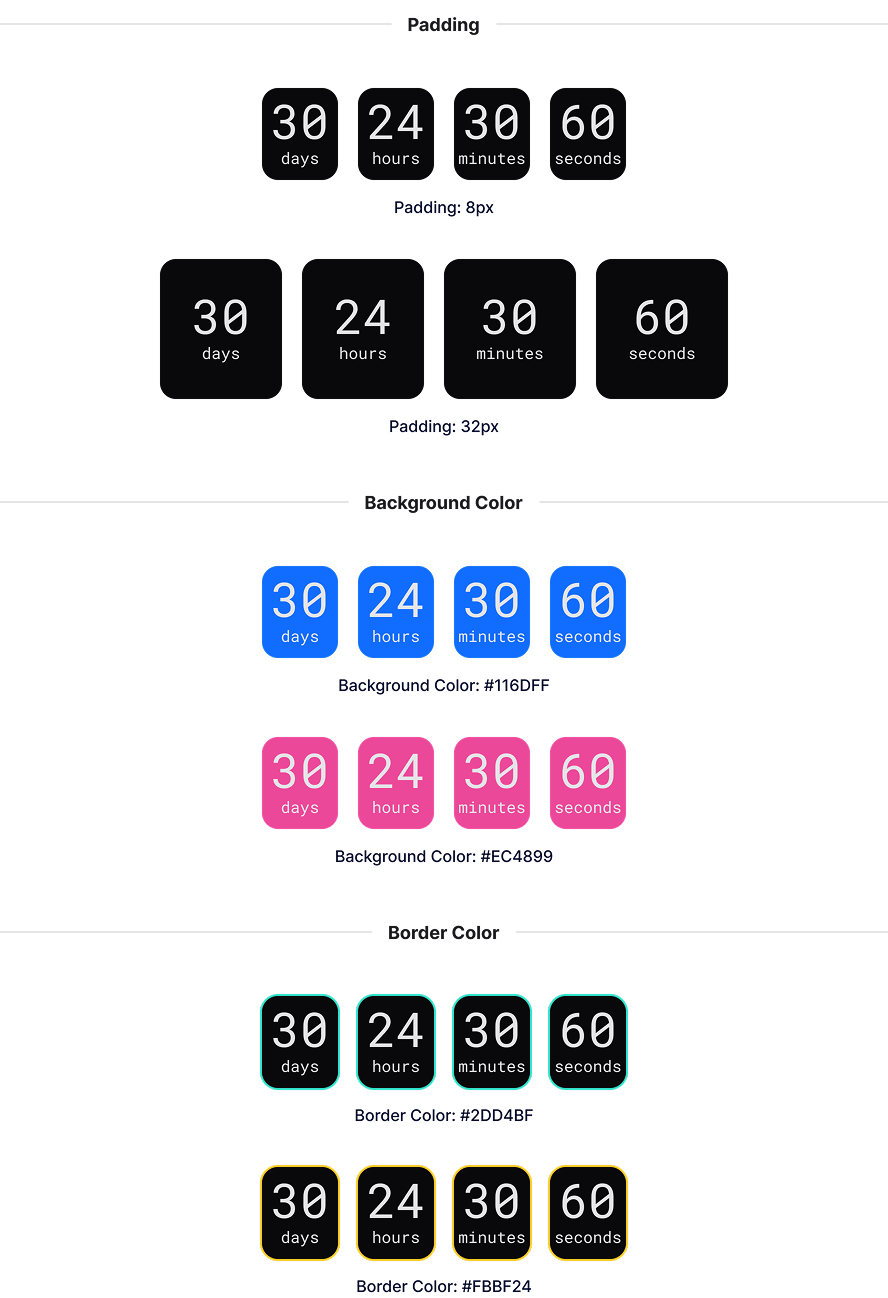
Customize the padding, background, and border of countdown time boxes.
Circle Styling
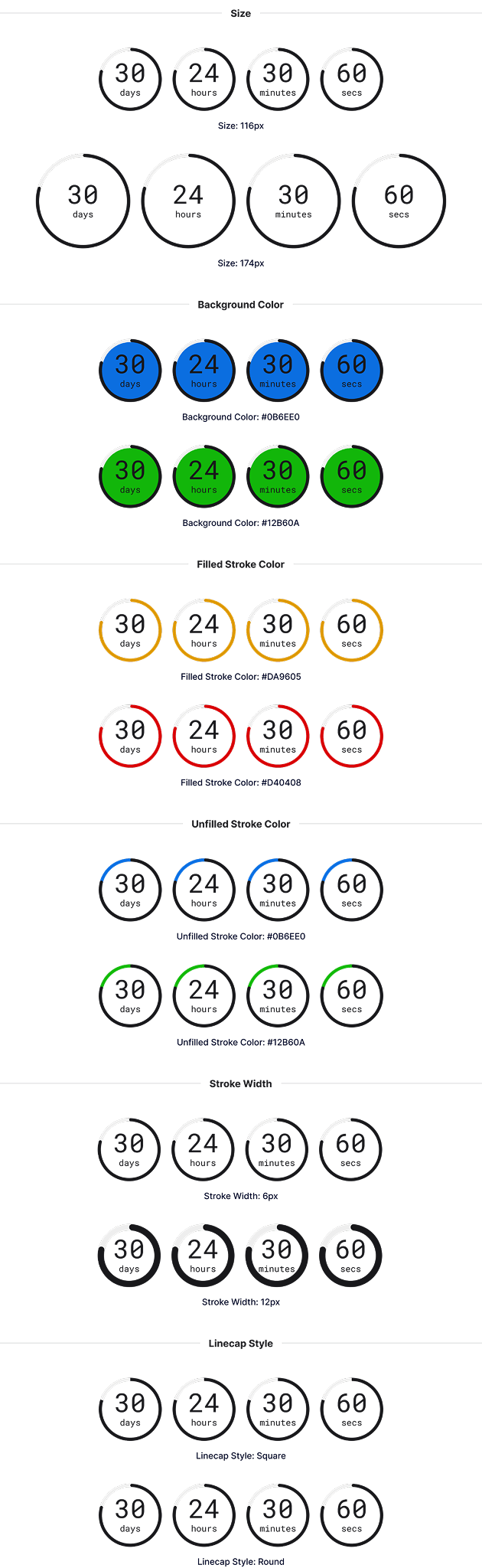
Control the size, background color, filled and unfilled stroke colors, stroke thickness, and line cap style of circle countdowns.
Explore More Blocks
Build Stunning Content With Page Builder
30-day money back. Free lifetime updates